 Chrome extension · Free plan available
GitHub Repo Architecture Generator
Understand any public GitHub repository in seconds, without opening dozens of folders.
Open a repo on GitHub. Click Generate. Get a full interactive architecture diagram, real file names, AI-written explanations, and the connections between every module, built right on the page.
Free to start · No install friction · Works on any public repo
What You Get
A github visualizer chrome extension that turns a public repo into a codebase visualization tool, so you can generate architecture diagram from github repo without leaving the page.
- Instant architecture view of any public GitHub repo
- Real folder and file names kept, not abstract boxes
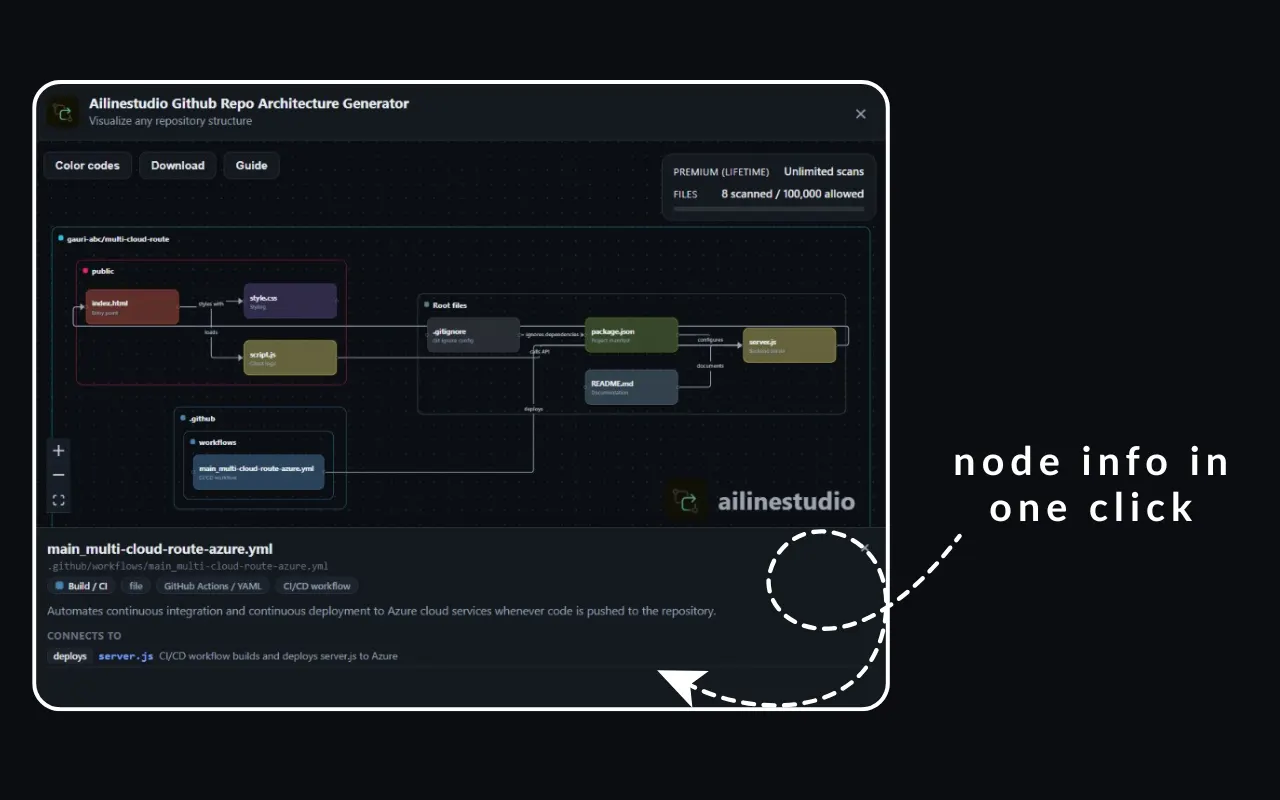
- AI-written explanations for each file and folder (role, tech, summary, details)
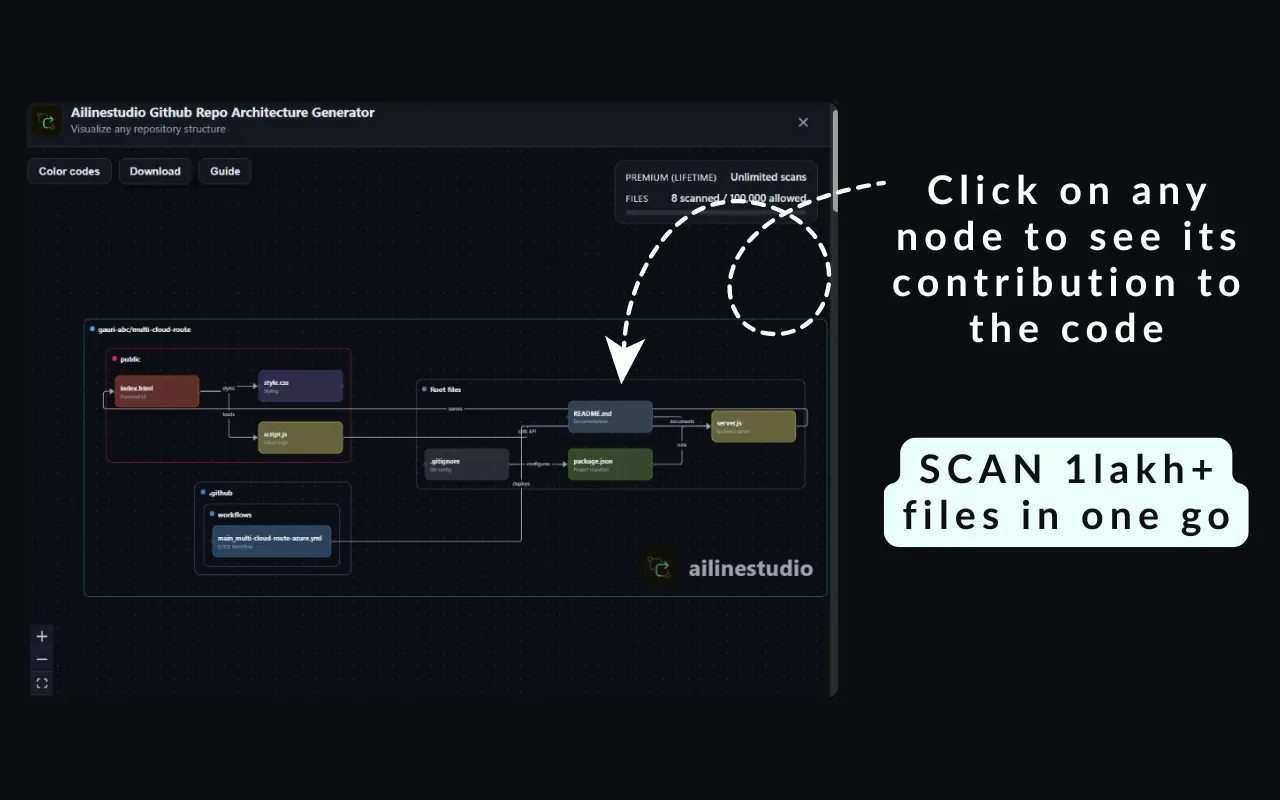
- Visible connections between files so you see how the codebase fits together
- Color-coded nodes by file type for quick scanning
- Click any node for a full details panel
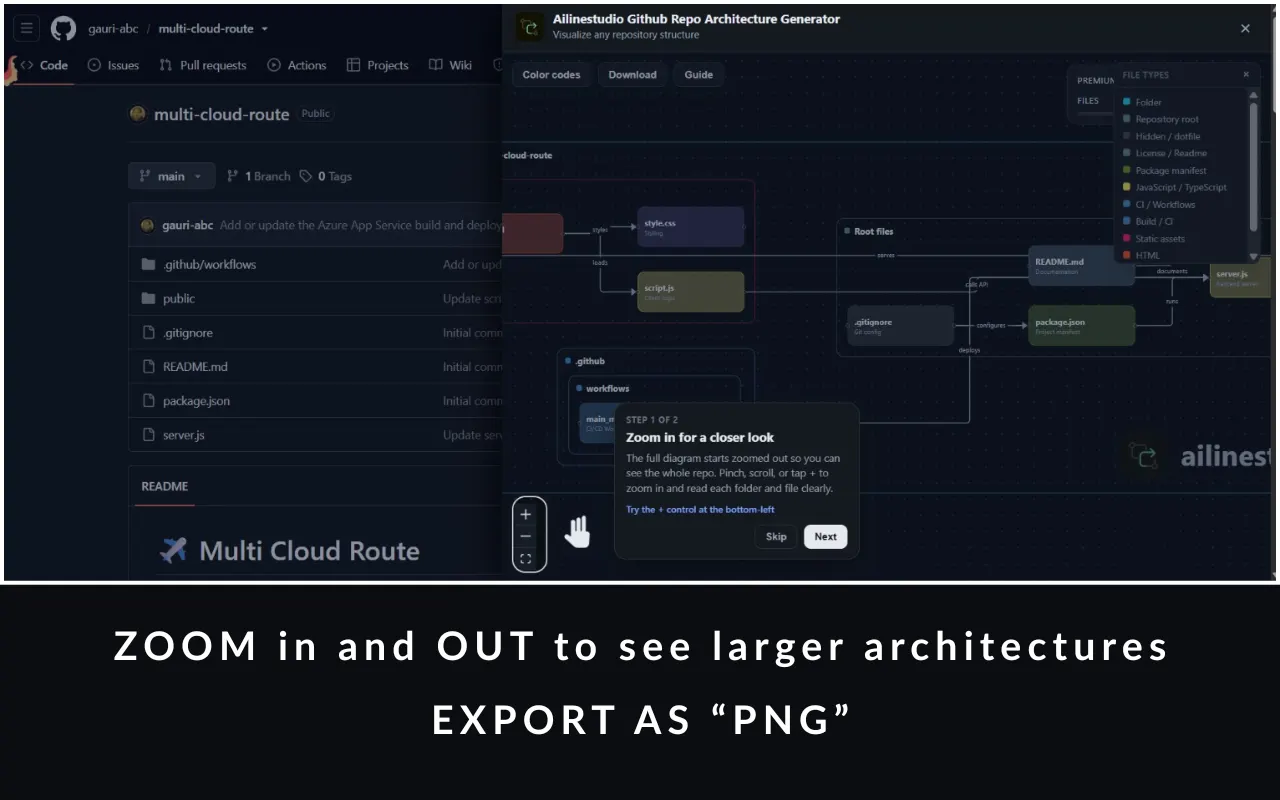
- Zoom, pan, and explore like a whiteboard canvas
- Download the diagram as PNG
- Guided walkthrough the first time you open a diagram
How It Works
From github repo to diagram in a few clicks, the fastest path to understand github codebase fast when you open a new project.
1. Go to any public GitHub repository
Open the repo you want to understand in Chrome, a new open-source project, a teammate's service, or a sample stack you are evaluating. The extension activates on public GitHub pages, so there is no separate upload flow or CLI to configure.
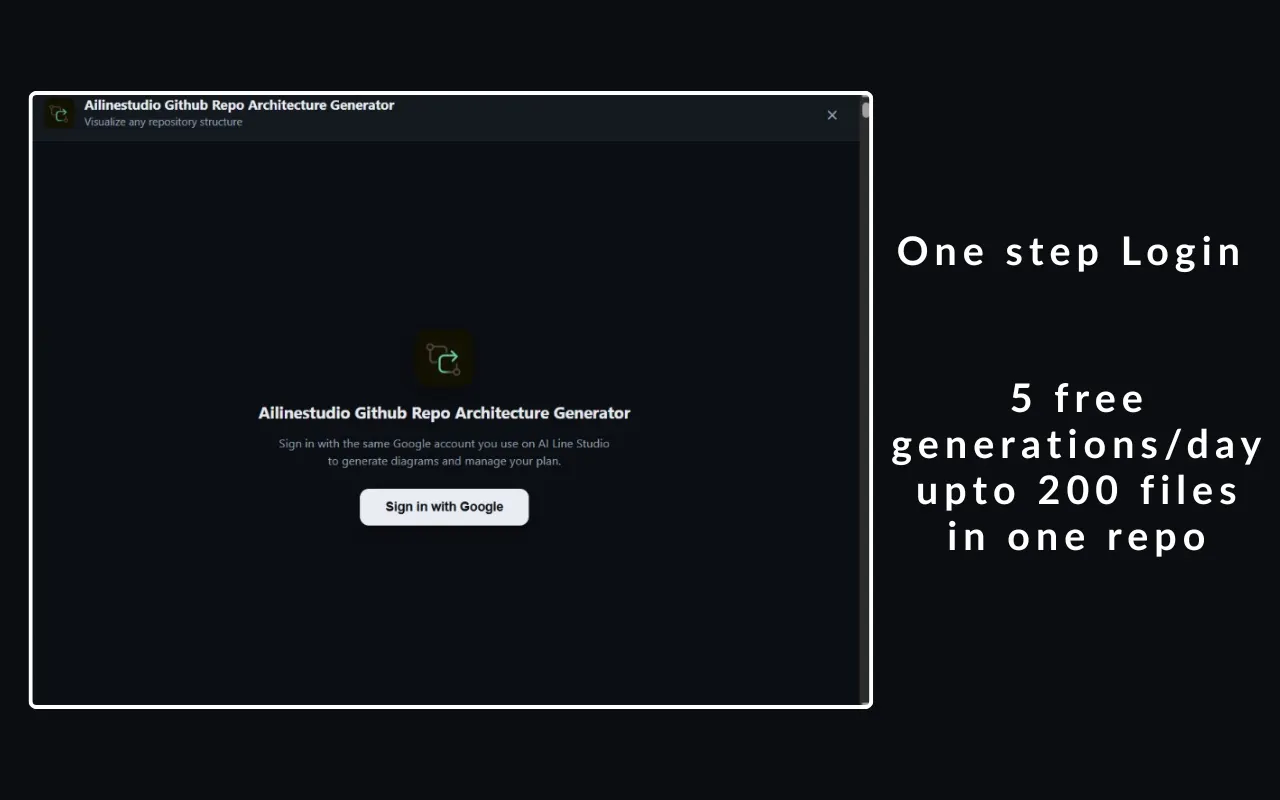
2. Sign in with Google
Use the same Google account you already use on AI Line Studio. One sign-in unlocks your Free plan limits, keeps scan counts in sync, and lets upgrades apply instantly in the side panel without creating a second account.
3. Click Generate
Hit Generate and the extension reads the public repository tree, then builds a structured architecture map. In seconds you get real file and folder names, relationship edges, and AI-written context, without manually expanding directories or sketching boxes by hand.
4. Explore the interactive diagram
Zoom, pan, and click nodes on a whiteboard-style canvas. Color-coded file types help you scan quickly; the details panel explains each file's role, tech tags, and how it connects to the rest of the codebase so onboarding feels visual instead of chronological.
5. Download when you're ready
Export the diagram as a PNG for docs, pull requests, architecture reviews, or classroom notes. Keep exploring live on the canvas, or share a static snapshot with anyone who does not need the interactive view.
Who It's For
Built as an onboarding tool for new codebase exploration and a chrome extension for developers github workflows, whether you ship products or study open source.
- Developers onboarding to a new codebase
- Teams reviewing architecture before a refactor
- Students learning how real projects are structured
- Anyone who wants a visual map before diving into code
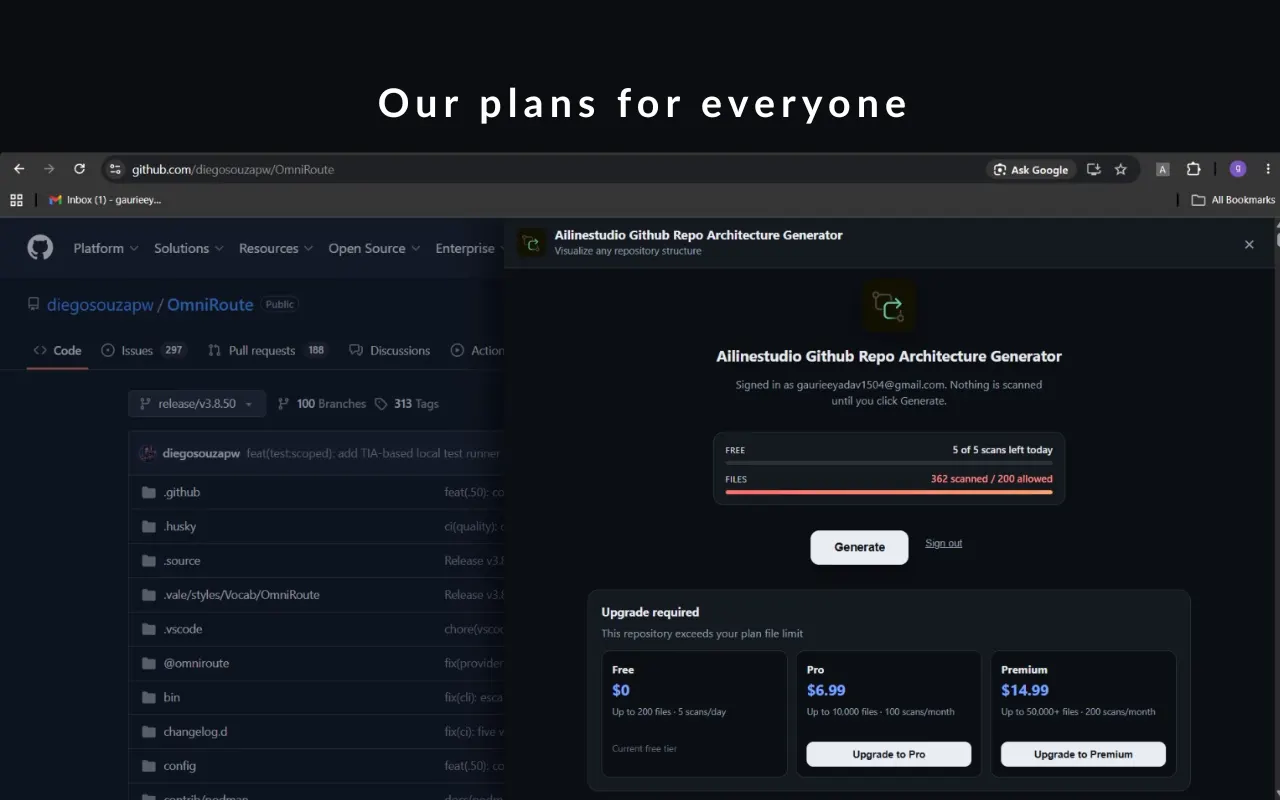
Plans & Pricing
Sign in once with Google. Your plan and remaining scans update live in the panel. Free plan available in USD terms with no surprise fees to start.
Free
up to 200 files per repo · 5 scans per day
Free plan available, no credit card needed
Pro
up to 10,000 files · 100 scans per month
For larger repos and regular architecture reviews
Premium
highest limits for heavy use
Built for power users scanning big codebases often
Frequently Asked Questions
Privacy
The extension reads the public repository tree from GitHub and sends that structure to Ailinestudio's backend to generate the diagram. It does not modify your repositories. Full privacy policy: /privacy.
See your codebase differently
Install the extension, open any public GitHub repo, and get your first architecture diagram in under a minute. Visualize open source repo structure online, or map the next codebase you inherit.
Add to Chrome Freegithub folder structure diagram · AI code architecture generator · github repo explainer AI tool free