
AI anything diagram
Create any diagram instantly using AI.
AI Line Studios Anything Diagram is a universal diagram generator that allows you to visualize anything you can describe. From system architecture to workflows, from business processes to user journeys, you can generate any type of diagram from simple text input in seconds.
Create any kind of diagram from simple text prompts across product, business, and engineering workflows.
Anything Diagram is an AI-powered diagram generator that removes the need to choose a diagram type before starting.
You simply describe your idea, system, or workflow, and AI Line Studios automatically generates the most suitable diagram structure.
It is built to handle every type of diagram use case in one place.
What You Can Create with Anything Diagram
Anything Diagram supports a wide range of diagram types:
- System architecture diagrams
- Cloud architecture diagrams
- Flowcharts
- Workflow diagrams
- Process maps
- Block diagrams
- State diagrams
- Data flow diagrams
- Network diagrams
- User journey maps
- User flow diagrams
- Org charts
- BPMN diagrams
- UML diagrams
- Concept maps
This makes it a complete diagram generator for all use cases.
Generate Any Diagram from Text
With AI Line Studios, you can describe anything and convert it into a diagram instantly.
You can generate diagrams from text, visualize systems and workflows, convert ideas into structured visuals, create technical and non-technical diagrams, edit nodes and connections instantly, and avoid manual diagram tools.
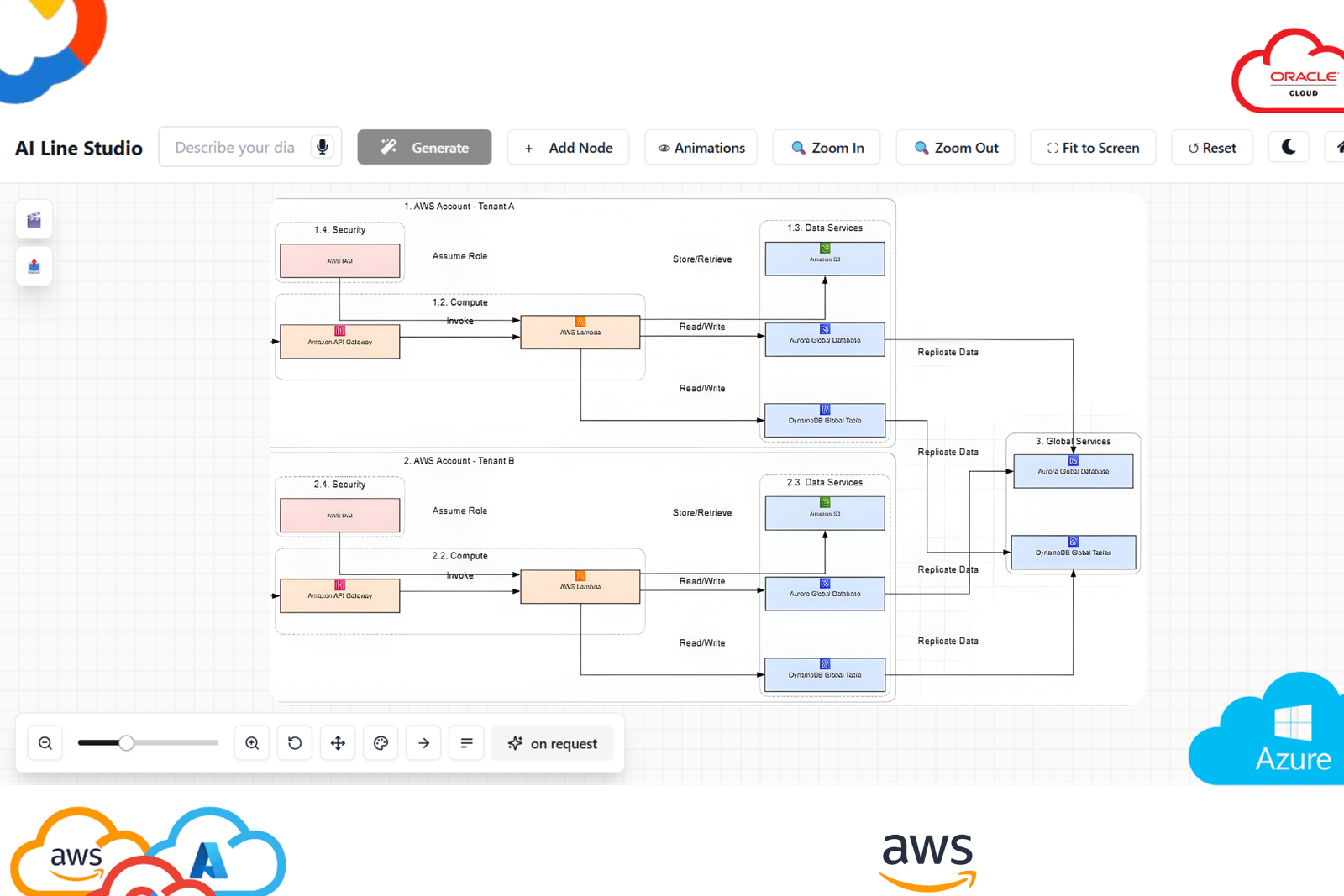
What you can generate
Generate complete diagrams with nodes, labels, and connections tailored to your scenario.
How to start
Describe your system in plain language, review the output, and refine instantly with one-click edits.
How to Create Any Diagram using AI Line Studios
Follow these steps:
Step 1: Open AI Line Studios
Search ailinestudio.com on your browser and open the platform.
Step 2: Sign Up and Log In
Click on Sign Up and log in using your Gmail account.
Step 3: Open Workspace
You will be redirected to your workspace dashboard.
Step 4: Select Any Diagram Option
Choose any diagram option or tool from the workspace.
Step 5: Create a New Canvas
Name your canvas based on your idea or system.
Step 6: Describe What You Want to Visualize
Enter your scenario or concept.
Example:
E-commerce system with frontend, backend services, payment gateway, database, and delivery flow
Step 7: Generate the Diagram
Click Generate. Within seconds, your diagram will be ready.
Step 8: Edit and Customize Instantly
Click on any node to edit text, structure, or connections.
Why Use Anything Diagram in AI Line Studios
AI Line Studios removes the need to choose tools, generates diagrams from intent, supports multiple diagram types, allows instant editing, and produces production-level diagrams quickly.
Explore all the other diagram generator
Frequently Asked Questions
Anything Diagram is a universal AI diagram generator that allows you to create any type of diagram from text input.