
AI UML Diagram Generator
Create structured UML diagrams instantly using AI. AI Line Studios is building an advanced UML diagram generator that will convert system design, code, and text descriptions into clear visual diagrams in seconds.
This feature is currently in development and will soon allow users to generate UML diagrams such as class diagrams, sequence diagrams, use case diagrams, and more directly from text or code.
UML diagram generation is coming soon. You will be able to generate class, sequence, and use case diagrams from text or code.
AI Line Studios will generate UML diagrams from system design, requirements, and code, then let you refine relationships and structure instantly.
Coming soon: class diagrams, sequence diagrams, use case diagrams, activity diagrams, state diagrams, and component diagrams.
What is a UML Diagram Generator
A UML diagram generator is a tool that converts system design, requirements, or code into standardized UML diagrams that represent structure and behavior.
AI Line Studios is developing a UML diagram generator that will allow users to create diagrams for software systems without manually drawing UML shapes or writing diagram syntax.
Generate UML Diagrams from Text and Code (Coming Soon)
AI Line Studios will enable users to:
- Generate UML diagrams from plain English descriptions
- Convert code into UML diagrams automatically
- Create class diagrams, sequence diagrams, and use case diagrams
- Visualize system architecture and interactions
- Edit diagrams instantly without writing code
This will make it a powerful AI UML diagram generator for developers, students, and system designers.
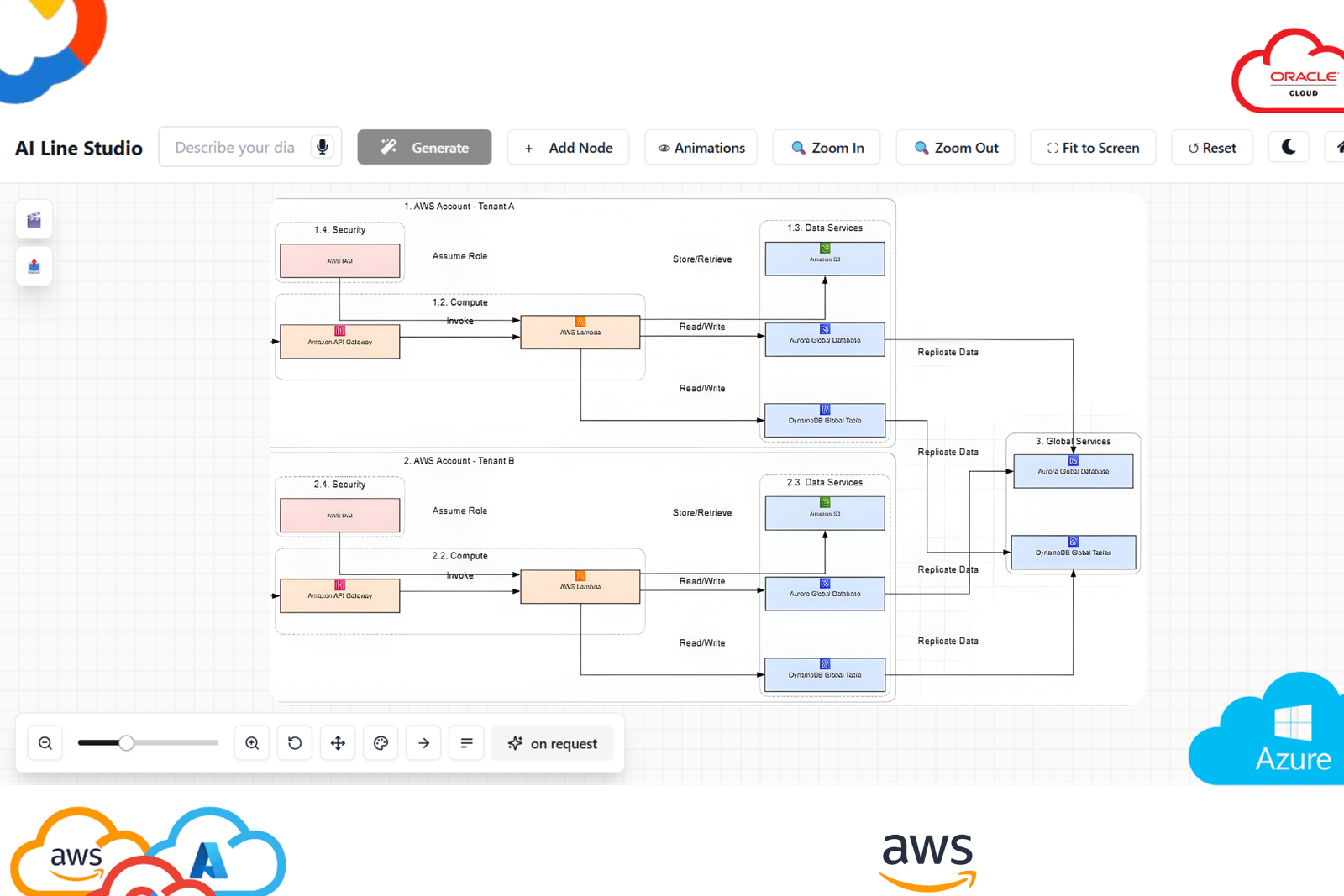
What you can generate
Generate complete diagrams with nodes, labels, and connections tailored to your scenario.
How to start
Describe your system in plain language, review the output, and refine instantly with one-click edits.
How UML Diagram Generation Will Work in AI Line Studios
Once this feature is released, generating UML diagrams will follow a simple process:
Step 1: Open AI Line Studios
Go to ailinestudio.com and log in to your workspace.
Step 2: Open Workspace
Access your dashboard where diagram tools are available.
Step 3: Select UML Diagram Generator (Coming Soon)
Choose the UML diagram option from the workspace once available.
Step 4: Create a New Canvas
Name your canvas based on your system or project.
Step 5: Describe Your System or Paste Code
Enter your system design, logic, or code.
Example:
User class interacts with order class, order connects to payment service, payment processed via gateway
Step 6: Generate the Diagram
Click generate to create a UML diagram within seconds.
Step 7: Edit and Customize Instantly
Edit nodes, relationships, and structure with a single click without modifying code.
Types of UML Diagrams Supported (Upcoming)
AI Line Studios will support:
- UML class diagram generator
- UML sequence diagram generator
- UML use case diagram generator
- UML activity diagram generator
- UML state diagram generator
- UML component diagram generator
Why Use AI Line Studios for UML Diagrams
AI Line Studios is designed to remove manual UML diagram creation, generate structured diagrams from text or code, support real software architecture modeling, and allow one-click editing without diagram syntax.
Explore all the other diagram generator
Frequently Asked Questions
A UML diagram generator is a tool that creates diagrams representing system structure and behavior using standardized UML notation. AI Line Studios is building an AI-powered UML diagram generator that will automate this process from text or code.