
AI PlantUML Editor
Write, visualize, and edit diagrams using PlantUML with AI. AI Line Studios is building an AI PlantUML editor that will convert PlantUML code and system descriptions into clean, structured diagrams instantly.
This feature will soon allow developers to create and edit UML diagrams using AI-powered templates and visual editing, without relying on manual syntax or external tools.
Create cloud architecture diagrams for AWS, Azure, GCP, and more. Design scalable infrastructure with professional cloud icons.
AI Line Studios is developing an AI PlantUML editor that will simplify this workflow by combining code input, templates, and AI-based generation into one seamless experience.
What is a PlantUML Editor
A PlantUML editor is a tool that allows users to create diagrams using PlantUML syntax and render them visually as UML diagrams.
Convert PlantUML Code to Diagrams with AI (Coming Soon)
AI Line Studios will enable you to:
- Convert PlantUML code into visual diagrams
- Generate PlantUML diagrams from text
- Use templates for faster diagram creation
- Edit diagrams visually without modifying code
- Create sequence, class, and system diagrams
- Avoid complex syntax debugging
This will make it a powerful AI PlantUML editor for developers and engineers.
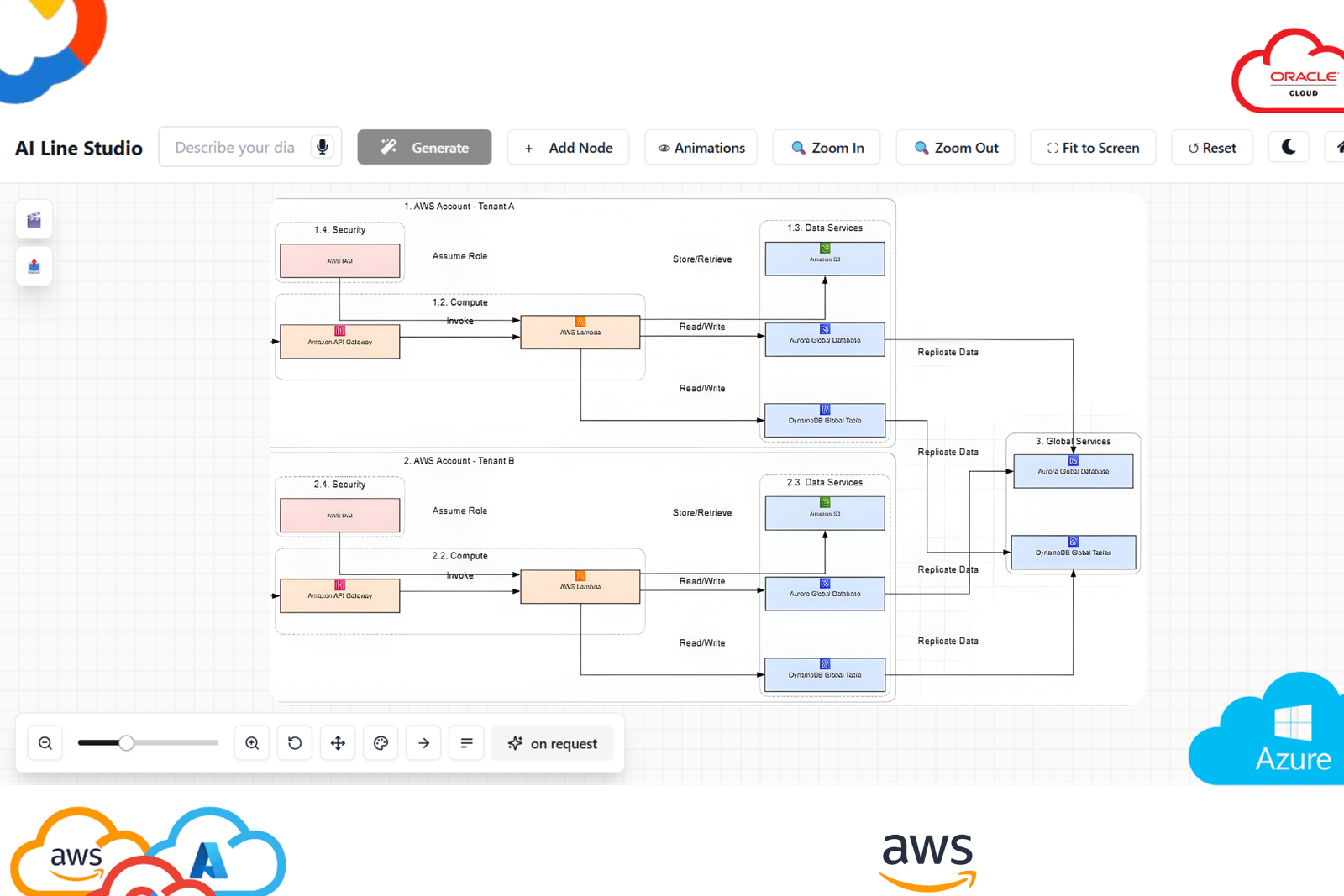
What you can generate
Generate complete diagrams with nodes, labels, and connections tailored to your scenario.
How to start
Describe your system in plain language, review the output, and refine instantly with one-click edits.
How PlantUML Editing Will Work in AI Line Studios
Once this feature is released, creating PlantUML diagrams will be simple:
Step 1: Open AI Line Studios
Go to ailinestudio.com and log in to your workspace.
Step 2: Open Workspace
Access your dashboard where diagram tools are available.
Step 3: Select AI PlantUML Editor (Coming Soon)
Choose the PlantUML editor option from the workspace once available.
Step 4: Paste or Write PlantUML Code
Enter your PlantUML syntax.
Example:
@startuml
User -> System: Login Request
System -> Database: Validate User
@enduml
Step 5: Generate the Diagram
Click generate to instantly visualize your PlantUML diagram.
Step 6: Edit Visually
Modify nodes, flows, and relationships directly without rewriting code.
Step 7: Use Templates for Faster Creation
Choose templates for sequence diagrams, class diagrams, and architecture diagrams.
Why Use AI Line Studios for PlantUML Diagrams
AI Line Studios is designed to remove friction from PlantUML diagram creation, combine code and visual editing, use templates for faster workflows, and simplify diagram creation without syntax complexity.
Explore all the other diagram generator
Frequently Asked Questions
A PlantUML editor is a tool that allows users to create diagrams using PlantUML syntax and visualize them as UML diagrams. AI Line Studios will provide an AI-powered PlantUML editor for easier diagram creation.