
AI whiteboard
Think freely. Explain clearly. Build visually.
AI Line Studios Whiteboard is a powerful visual workspace where you can draw, write, drag, and explain anything with complete flexibility. It combines freeform thinking with structured diagram capabilities, allowing you to move from raw ideas to clear visual communication in seconds.
Draw with your pen, stylus, touch, or mouse
Select · Pen · Eraser · Shapes · Sticky Notes · Text · Images
Freeform visual canvas for thinking, sketching, and explaining with drag-and-drop flexibility.
AI Whiteboard is a freeform visual canvas where you can draw anything, write anything, drag and drop images, explain concepts visually, and build diagrams manually or alongside AI.
It is designed for users who need complete control while thinking visually, without being restricted by predefined diagram formats.
What You Can Do with AI Whiteboard
AI Line Studios Whiteboard is built for flexibility and clarity.
- Sketch ideas and concepts
- Explain systems visually
- Annotate diagrams
- Drag and drop images and references
- Create rough workflows
- Combine text, visuals, and diagrams
- Break down complex problems
It works as a thinking canvas + explanation layer + visual workspace.
Built for How People Actually Think
Most tools force structure too early.
Whiteboard lets you start messy, think visually, iterate freely, then refine into structured diagrams.
You can go from: Idea -> Sketch -> Explanation -> Structured Diagram. All in one place.
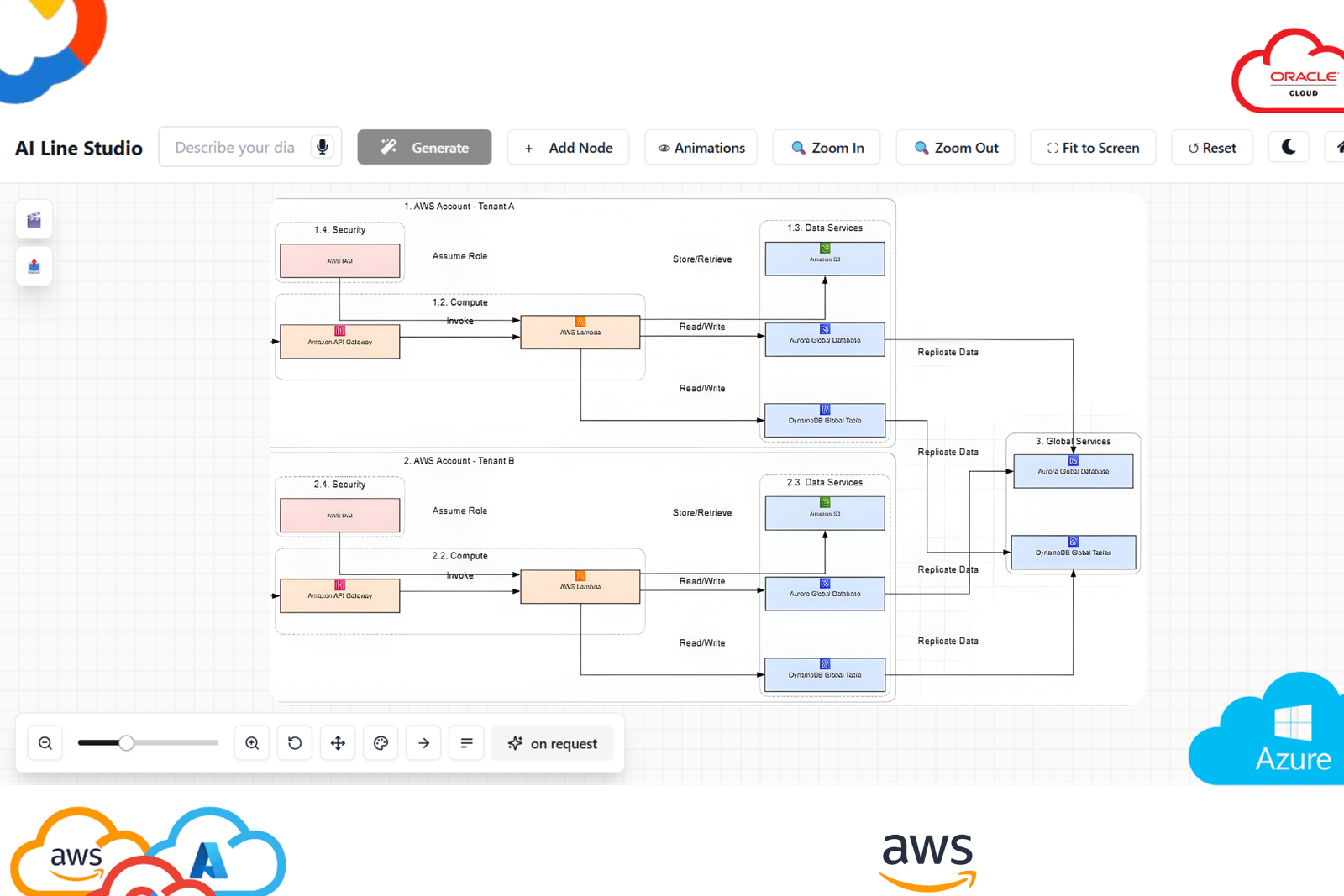
How to Use AI Whiteboard in AI Line Studios
Step 1: Open AI Line Studios
Go to ailinestudio.com and access the platform.
Step 2: Sign Up and Log In
Log in using your Gmail account.
Step 3: Open Workspace
Enter your workspace dashboard.
Step 4: Select Whiteboard
Click on the Whiteboard option to open a blank canvas.
Step 5: Start Creating Freely
Write text anywhere, draw shapes and flows, add arrows and connections, drag and drop images, and build explanations visually.
Step 6: Erase and Refine
Use erase tools to remove or adjust elements instantly.
Step 7: Combine with Diagrams
Convert your ideas into structured diagrams using AI Line Studios tools.
Why Use AI Line Studios Whiteboard
AI Line Studios Whiteboard is built for clarity, speed, and flexibility.
It removes friction from thinking, allows complete visual freedom, supports drag and drop interaction, enables quick explanation of complex ideas, works alongside AI-generated diagrams, and maintains high visual clarity and accuracy.
High Accuracy Visual Representation
Unlike generic whiteboard tools, AI Line Studios ensures clean and readable visuals, structured alignment of elements, clear relationships between components, and consistent layout for better understanding.
Use Cases of AI Whiteboard
Engineering and System Design: Explain system architecture, sketch backend flows, and break down technical problems.
Business and Strategy: Map ideas and strategies, explain workflows and processes, and plan execution systems.
Product and UX: Sketch user flows, explain product logic, and map feature interactions.
Education and Learning: Explain concepts visually, break down complex topics, and create teaching diagrams.
Content Creation: Plan content visually, explain ideas for videos, and create storytelling structures.
Whiteboard + AI = Complete Thinking System
AI Line Studios gives you both: freeform whiteboard for thinking and AI diagram tools for structuring.
This creates a complete loop: Think -> Visualize -> Structure -> Explain.
Explore all the other diagram generator
Frequently Asked Questions
An AI whiteboard is a visual workspace where users can draw, write, and explain ideas freely. AI Line Studios Whiteboard combines freeform thinking with structured diagram capabilities.